


ILGRadio Database Import into Microsoft Excel 2000


ILGRadio Database Import into Microsoft Excel 2000
Import within Microsoft Excel (no Excel Viewer) © Microsoft. Go to open File Name and croll down to dBASE and open ILGRadio "ilgadata.dbf"
Mark the datafield GRAPHICS andf change letter type from "Arial" to "Courier New" for propper display of Graphical Diagramm.
You can view all data, you can set different order or set filter function. If yo wish you can export to other file type.
Look for structure of ILGRadio Database to explain what you see below. LINK ILGRADIO STRUCTURE
Mark the datafield GRAPHICS andf change letter type from "Arial" to "Courier New" for propper display of Graphical Diagramm.
You can view all data, you can set different order or set filter function. If yo wish you can export to other file type.
Look for structure of ILGRadio Database to explain what you see below. LINK ILGRADIO STRUCTURE
1.
Select "Open File" , switch to Filetype "dBASE Files" and select the ILGRadio file
in your own ILGRadio directory
2.
Now you see all ILGRadio data in the original format.
Within Excel you can select and filter data and data fields:
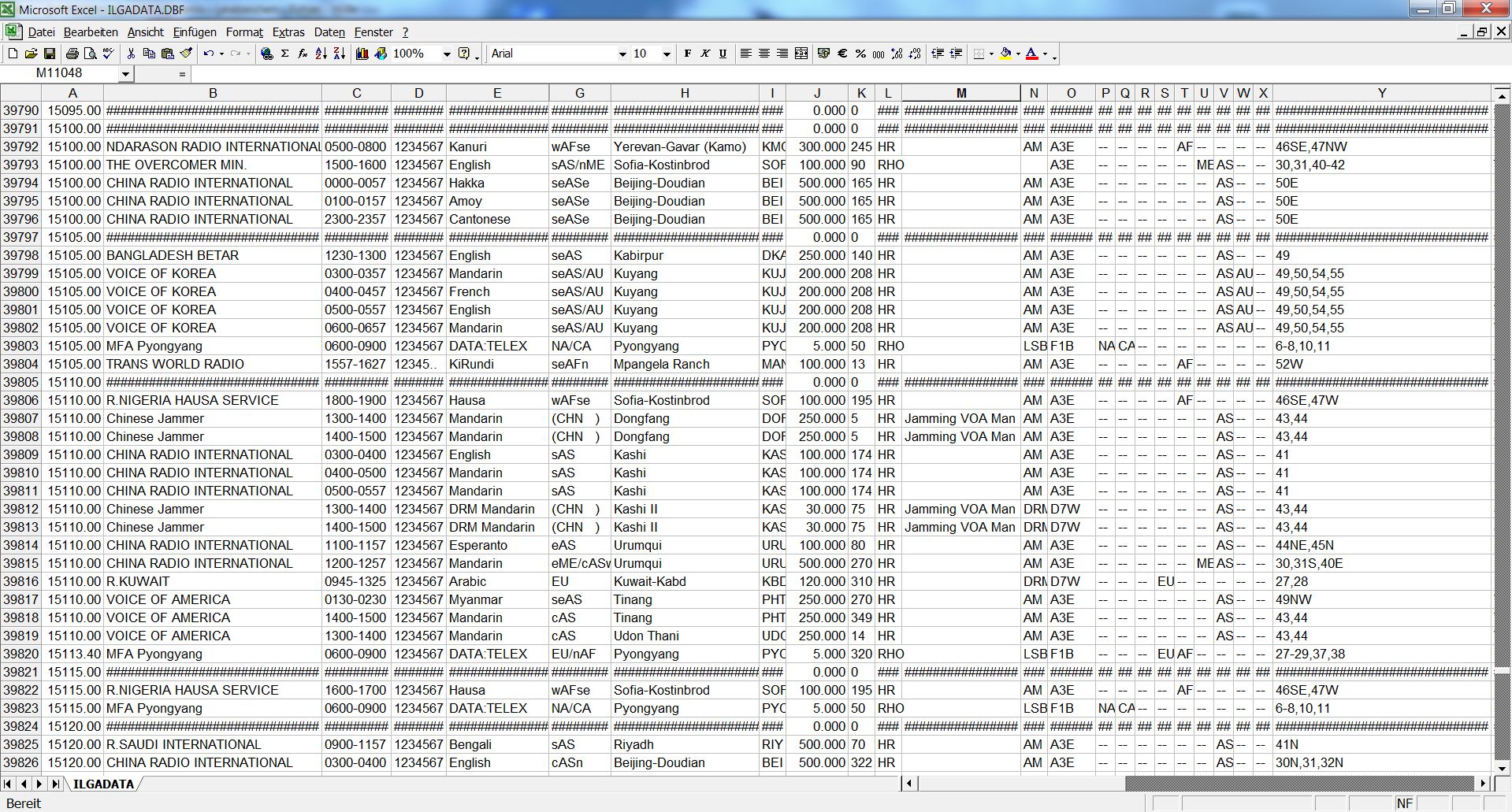
click picture for zoom view
3:
If you want to use the Graphical Diagramm ("Times by Lines"), please
change letter format to "Courier New" with e.g. small 8 dot size
(highlight the content of the GRAPHIC data field and change the letter type from "Arial" to "Courier" (Courier New).):
change letter format to "Courier New" with e.g. small 8 dot size
(highlight the content of the GRAPHIC data field and change the letter type from "Arial" to "Courier" (Courier New).):
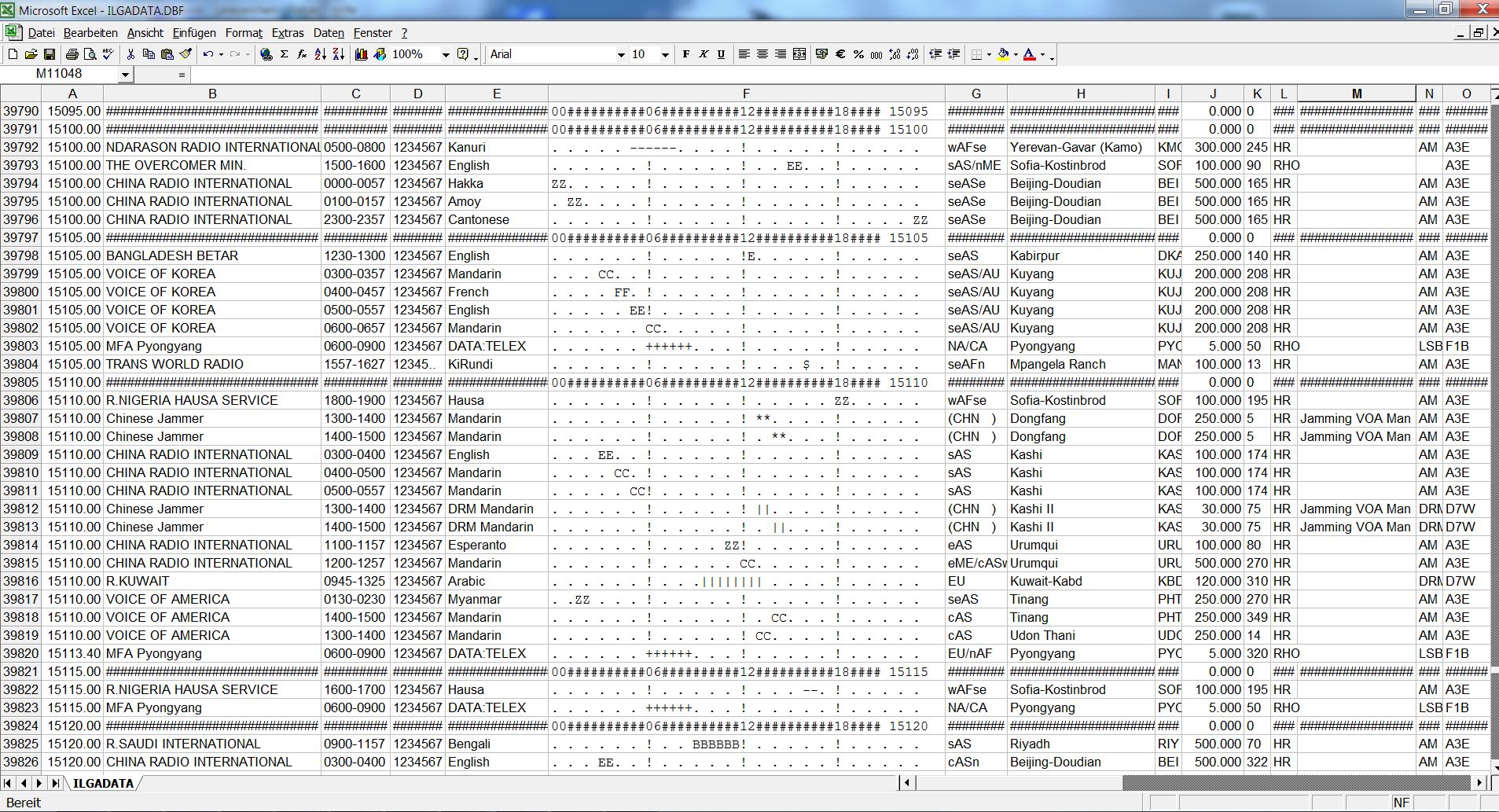
click picture for zoom view
LINK OF SOFTWARE PRODUCER:
